Topic: Agent security
The ADM register, row by row: what to write down before 10 December
APP 1.7 starts on 10 December 2026. A free ADM register template, explained column by column, with a worked row and a way for MSPs to run it per client.

By Edwin AshdownPublished Updated 8 minute read
In this post 7 sections
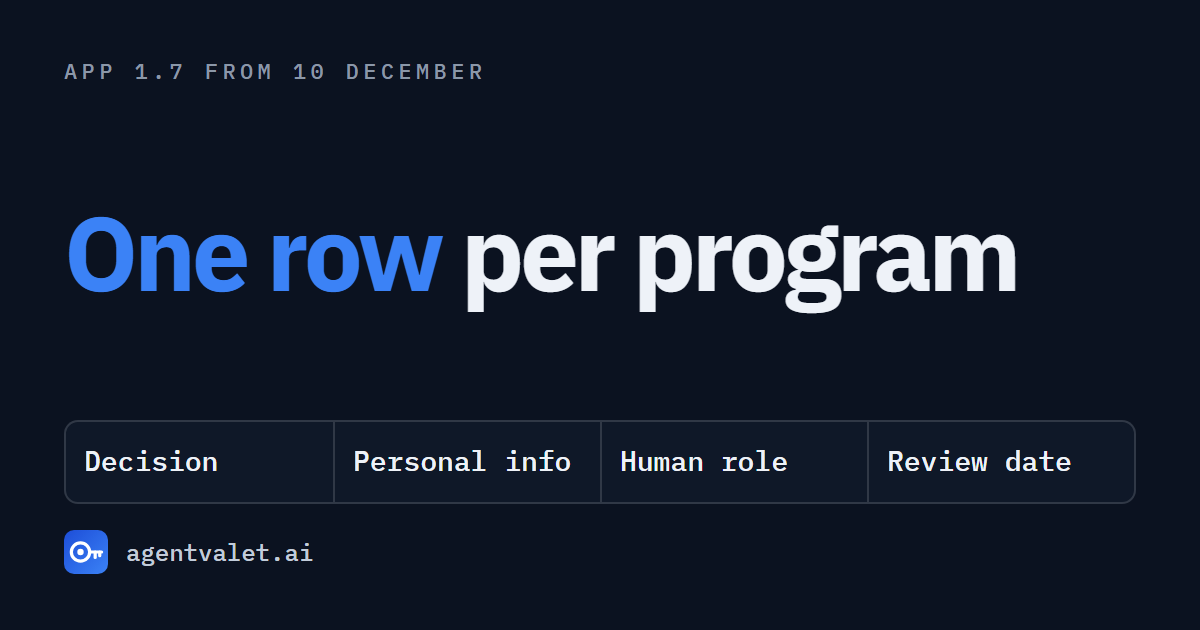
An ADM register is a list with one row for each computer program that makes, or helps make, decisions about people: what it decides, which personal information it can reach, what role a person plays, and who assessed it. From 10 December 2026 an Australian privacy policy has to disclose those decisions under APP 1.7, and the register is what you write that disclosure from. There is a free blank template at agentvalet.ai/adm-register, with no form to fill in.
I wrote about the obligation itself in APP 1.7: your privacy policy now needs a register you don’t have. This post is the practical half. It walks through the template one group of columns at a time, so you can fill it in for your own organisation or for a client.
This is general information about a legal obligation, written by an engineer. It is no substitute for legal advice about your own situation.
Two things I had to read twice
Old data and old systems still count. The rule applies to decisions made on or after 10 December. It makes no difference that the personal information was collected years ago, or that the program was switched on long before the law changed. The transitional provision is Schedule 1, item 89 of the amending Act. A scoring rule you set up in 2023 is in the picture the first time it feeds a relevant decision in December.
A vendor’s tool is still your disclosure. The obligation sits with the organisation that arranged for the program to be used. Allens’ reading of the OAIC guidance is that it rests with the user of a product, and does not move up the supply chain to whoever built it. If an AI feature arrived inside your CRM, your service desk or your HR system, the paragraph in the privacy policy is still yours to write. You may need to ask the vendor what the feature does before you can write it.
Put those together and the list is longer than most people expect. It includes systems nobody thinks of as AI, and features nobody remembers turning on.
What a row is
The template says it in its first line: one row per AI agent or computer program, per system it uses. An agent that reads a mailbox and issues refunds through a payment platform gets two rows, because the personal information it can reach is different in each.
There are 26 columns. They fall into five groups, and each group answers one question.
1. What is it, and who owns it?
agent, agent_type, agent_status, owner.
Name the program in words a colleague would recognise, and put a person or a team in the owner column. A row with no owner will not be kept current.
2. What can it reach?
platform, scopes, personal_information_inferred, unclassified_scopes.
This is the group that feeds APP 1.8(a), the kinds of personal information used. Write the system, the level of access the program holds there, and the kinds of personal information that access exposes: contact details, financial and transaction information, email and message content, and so on.
The fourth column matters more than it looks. When you can’t tell what a permission exposes, write it under unclassified_scopes and leave it visible. A gap with a name on it is something you can chase. A blank cell reads as “nothing here”, which is the wrong answer to hand a privacy adviser.
3. What did it do, and what did a person do?
actions_in_window, first_seen, last_seen, approvals_requested, approved, denied, expired, grant_requires_approval.
These are the evidence columns. How often did the program act in the period, and how often did a person approve or refuse what it proposed?
Read them with one warning in mind, which the template also carries in its header. Human approval does not take a decision outside APP 1.7. The OAIC’s guidance treats a program as in scope where its output is a key factor in the decision, even with a person reviewing it. So these columns record the human’s role, and they never work as an exemption. A reviewer who approves 141 of 150 recommendations is evidence of how the decision is really made, and that is worth having in front of you when you classify the row.
If you are filling this in by hand, estimates are fine for a first pass. Write down where the number came from.
4. What does it decide, and for whom?
decision_kind, decision_mode, significant_effect, affected_individuals, vulnerable_cohort.
This is the judgement, and only your people can make it.
decision_kindis the decision in plain public words: “assessing customer refund requests”, “shortlisting job applicants for interview”. Write it the way you would be comfortable seeing it in the privacy policy, because that is where it ends up.decision_modeis one ofnone,assists,solely_automatedorunassessed. Assists means the program does something substantially and directly related to making the decision. The split matters because APP 1.8 asks for the two kinds separately.significant_effectandvulnerable_cohorttakeyes,no,unsureorunassessed.
Use unsure honestly. It is a better entry than a confident guess, and the OAIC’s advice where you are unsure is to lean towards disclosing. Remember too that making a decision includes refusing or failing to make one.
5. Where did you land, and when do you look again?
app17_status, status_reasons, assessed_by, assessed_at, next_review_at.
The status is one of three: likely in scope, review needed, or likely out of scope. The reasons column is the one people skip and later wish they hadn’t. If you decide a program is out of scope, the sentence explaining why is the thing you will want in a year, when someone asks.
A worked row
The sample register on the same page uses a fictional retailer. One of its agents is called Refund triage. Its row for the payment platform reads like this:
| Column group | Entry |
|---|---|
| What it is | Refund triage, owned by the support lead |
| What it can reach | Payment platform, read charges and write refunds. Contact details, financial and transaction information, payment card details |
| What it did | 312 actions in three months. 150 approval requests: 141 approved, 9 denied |
| What it decides | Assessing customer refund requests. Assists. Significant effect: yes. Affects customers |
| Where it landed | Likely in scope. Assessed by the privacy lead, next review in twelve months |
A support lead approves every refund in that example, and the row is still likely in scope. The agent’s recommendation is the key factor in whether a customer gets their money back.
The same sample has a lead enrichment agent sitting at “review needed” because nobody has assessed it yet, and a status page bot marked likely out of scope with the reason written down. Both are useful rows. A register that only lists the things you are sure about is hiding the work that is left.
From rows to the paragraph
APP 1.8 asks for kinds, and you get them by grouping the in-scope rows:
- 1.8(a) the kinds of personal information: the union of the “what can it reach” entries.
- 1.8(b) the kinds of decisions made solely by a program: the rows marked
solely_automated. - 1.8(c) the kinds of decisions a program substantially and directly helps make: the rows marked
assists.
That gives you draft wording to take to whoever advises you on privacy. The register will change far more often than the policy does. The policy only needs to change when a new kind of decision or a new kind of personal information turns up.
If you look after other people’s privacy policies
MSPs and consultancies are going to be asked “does this apply to us?” a lot over the next four weeks. The template is free to use, with or without AgentValet. Take it and run it with your clients.
A session that works in under an hour:
- Before the meeting, list every system the client has that touches personal information. Include the AI features that shipped inside tools they already pay for.
- In the meeting, fill groups 1, 2 and 4 for each one. Don’t argue about scope yet. Just get the rows down.
- Mark anything uncertain as
unsureorunassessed, and give each of those rows an owner and a date. - Group the in-scope rows into kinds and hand the draft to the client’s legal adviser.
- Set
next_review_at, and add a rule: a new agent or a new AI feature gets a row before it goes live.
None of this is legal advice. It gives the client’s adviser an accurate list, which is the thing the adviser can’t produce without you. If you already run a quarterly agent access review for clients, the first two column groups come straight out of it.
What the template won’t do
It won’t tell you whether a program triggers APP 1.7. That depends on the decision and the people it affects, and it is a question for a person with the right advice behind them.
It also won’t stay accurate by itself. The hardest columns to keep honest by hand are groups 2 and 3, what each program can reach and what it actually did. I built the same register into AgentValet for that reason. When an agent’s access goes through one layer, those columns fill from the record of what the agent was granted and what it did, and your people add the judgement in group 4. The template has the same columns, so starting in a spreadsheet costs you nothing later.
Download the blank template and the sample at agentvalet.ai/adm-register.
Sources
- Privacy and Other Legislation Amendment Act 2024 (Cth), Schedule 1 items 87 to 89 and section 2: legislation.gov.au
- OAIC, APP Guidelines Chapter 1, updated 30 September 2026: oaic.gov.au
- OAIC, APP 1.7 to 1.9 transparency obligation fact sheet, September 2026: oaic.gov.au
- OAIC, new resources on transparency for use of AI and automated decision-making: oaic.gov.au
- Allens, key takeaways from the OAIC guidance, 2 October 2026: allens.com.au
- Holding Redlich, new OAIC guidance for government agencies using automated decision-making: holdingredlich.com